
Bookmark smarter,
together.
DearBookmark Teams brings your whole crew into one shared workspace — shared folders, live Kanban boards, music queue voting, real-time chat, and automated content ingestion.
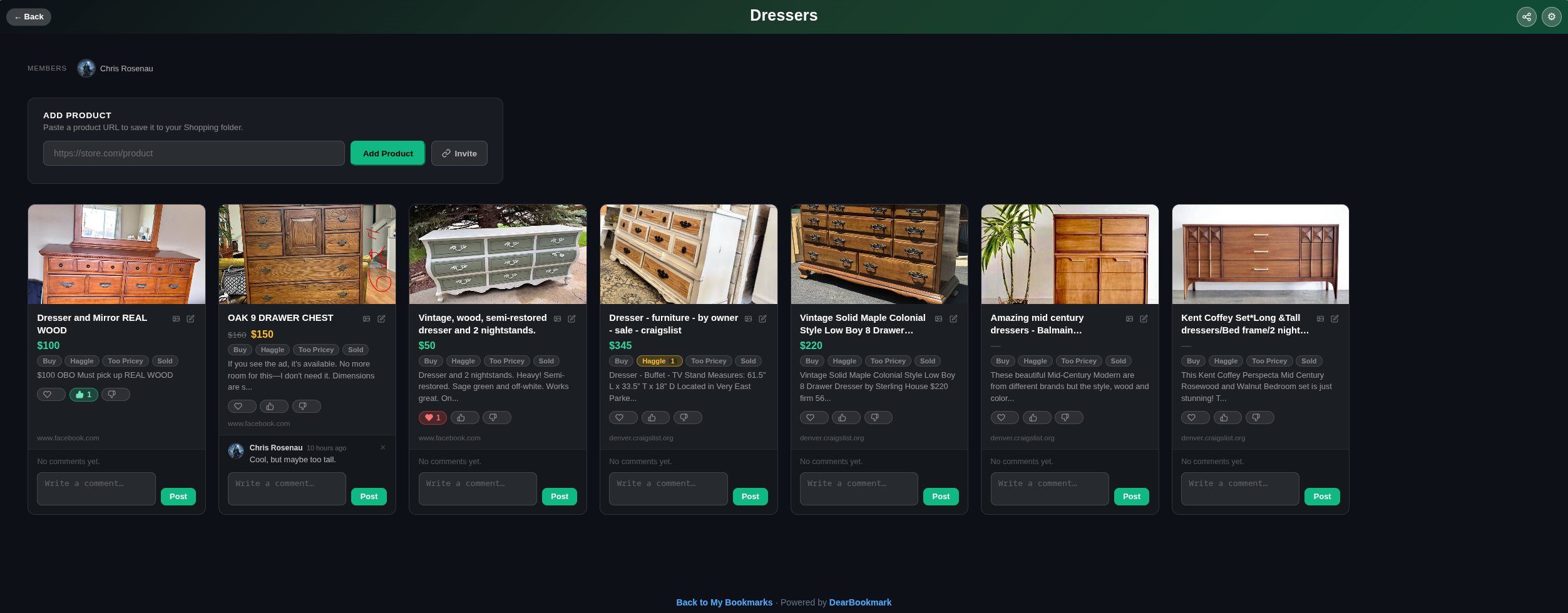
Pool your whole team's research in one place.
Invite team members and share entire folders with the whole workspace. Everyone contributes links, assigns tags, and sees exactly who saved what — no more pasting URLs into Slack threads.
Bookmark workflow,
visualized.
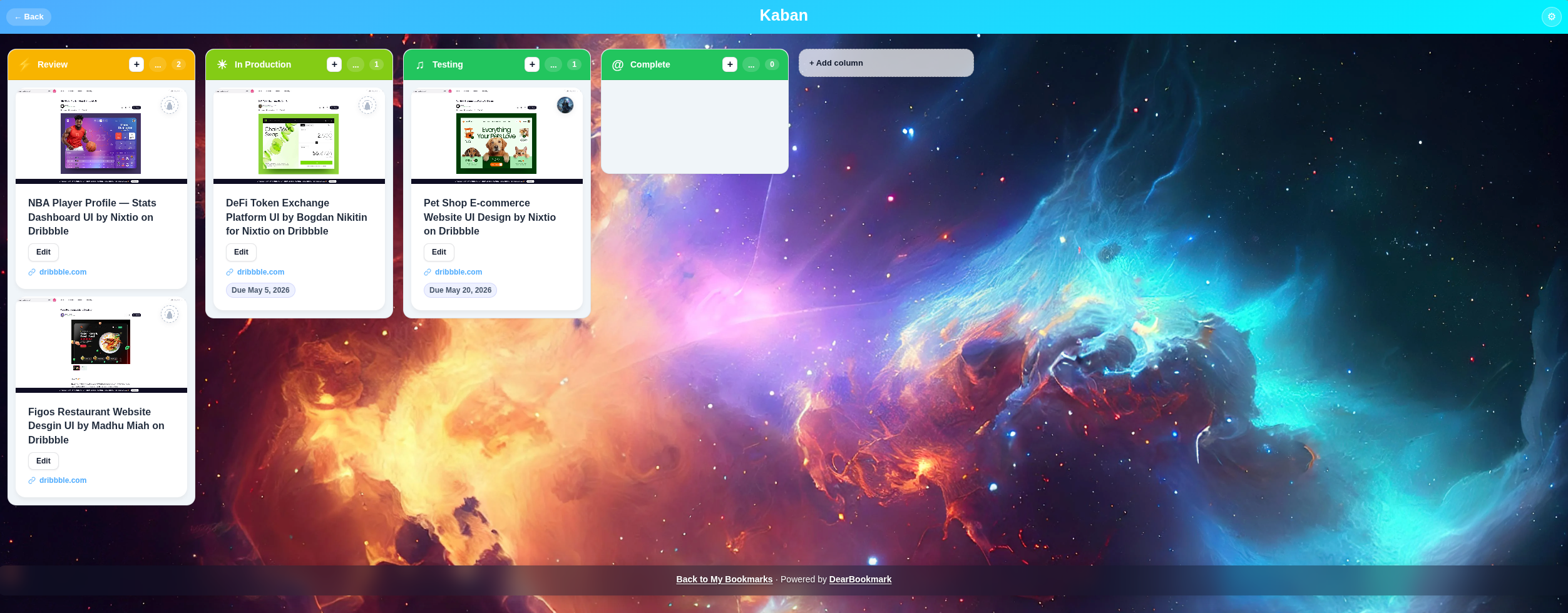
Move bookmarks through custom Kanban columns as your team reviews, approves, and archives research. Build a workflow that mirrors how your team actually works.
Stream and vote on
what plays next.
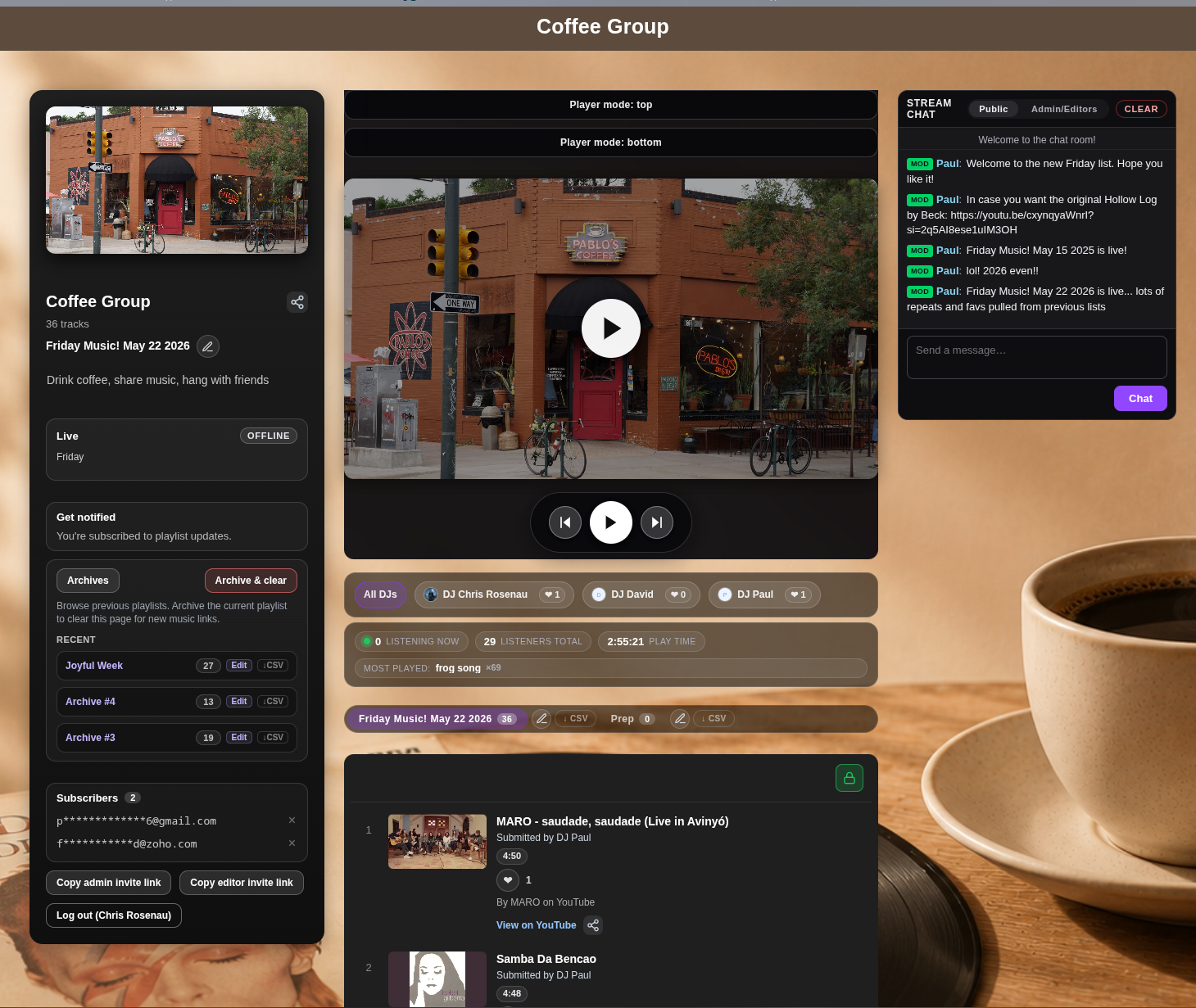
Add YouTube, SoundCloud, or any streaming link to a shared team queue. Members vote on what plays next — the most upvoted track climbs to the top. Great for focus sessions, team standups, or async deep-work days.
Chat about your links,
right where they live.
No more context-switching to Slack to discuss a link you just saved. Team chat lives directly inside your workspace — discuss resources, share opinions, and send bookmarks directly to teammates.
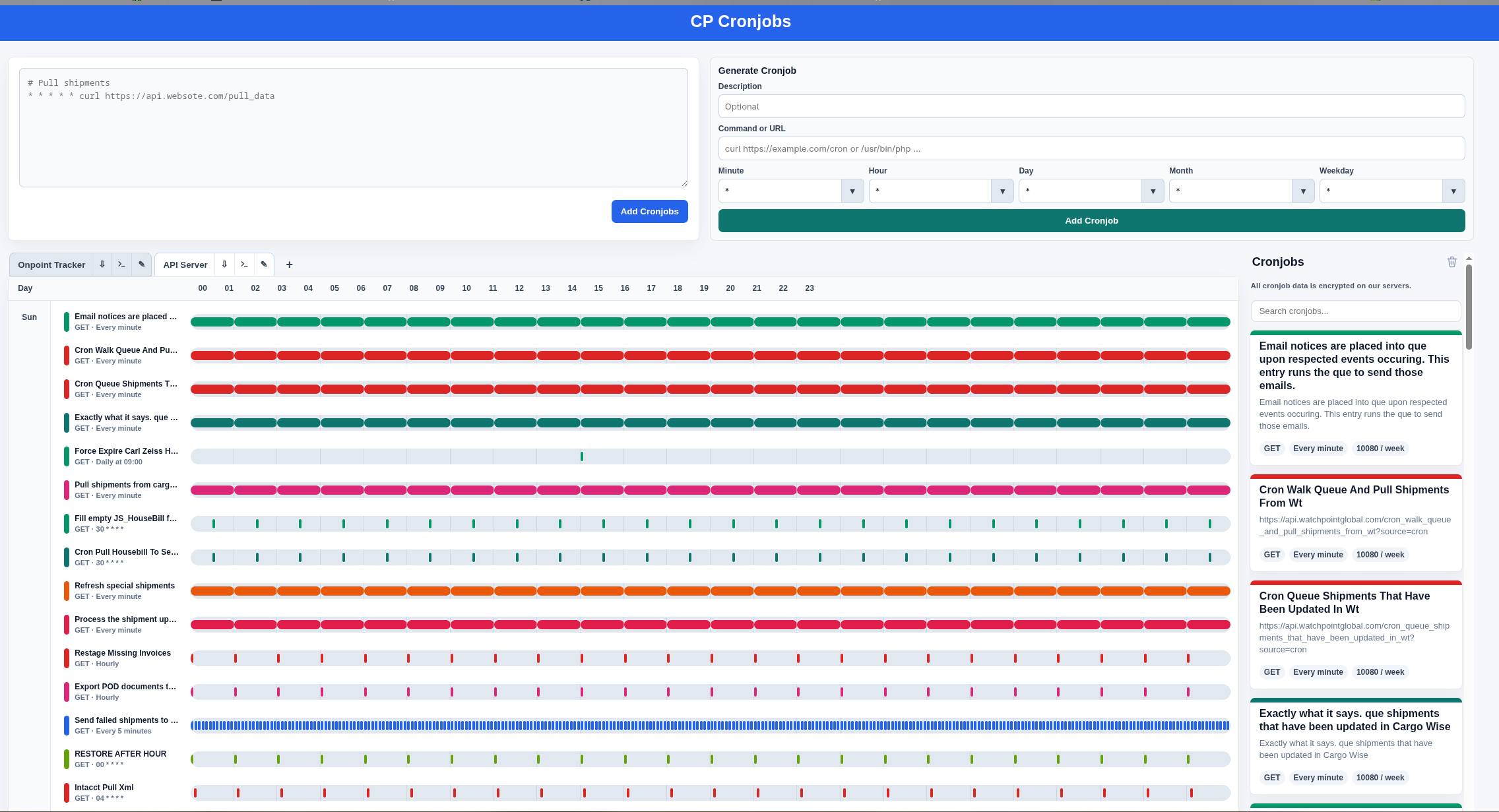
Let your team workspace
feed itself.
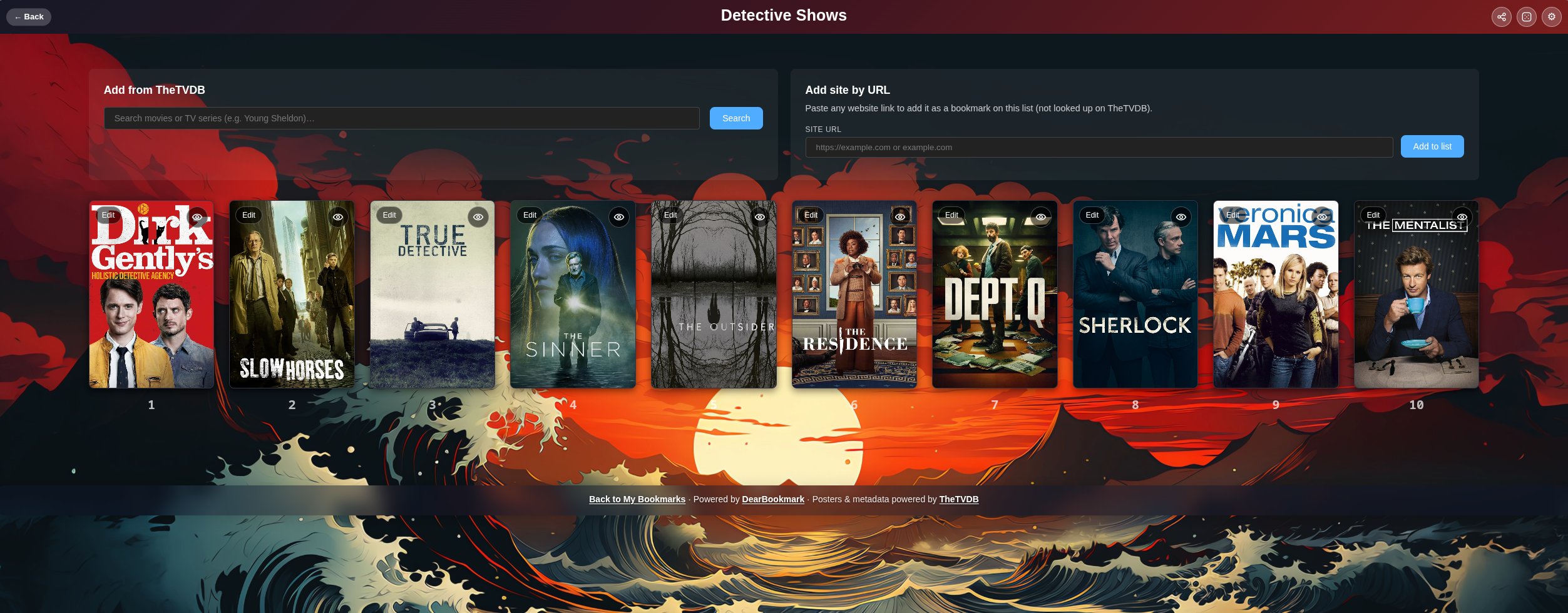
Set up automated cronjobs to pull content into your team workspace on a schedule. Perfect for ingesting daily reports, monitoring dashboards, trending resources, or any feed that your team needs to stay on top of.
Everything your team needs,
in one workspace.
Shared Folders
Share entire bookmark categories with the team. Per-bookmark attribution, full tag support.
Kanban Workflow
Custom columns for any workflow. Move bookmarks through review pipelines with one click.
Music Queue
Democratic playlist voting. Add any media URL, the team votes, the queue reorders live.
Team Chat
Real-time chat built into every workspace. Share bookmarks directly to teammates' inboxes.
Cronjob Ingestion
Scheduled jobs that automatically pull content into your workspace on any cron schedule.
Member Management
Invite by link, approve join requests, set visibility to public or private — full team control.
Your team's knowledge base
starts here.
Free to start. Invite your whole crew, share your first folder, and ship a kanban in under 5 minutes.