
Account
Backup, Restore, Trash, and Cleanup
Contact usProtect your library with export, backup, restore, trash, and cleanup tools.
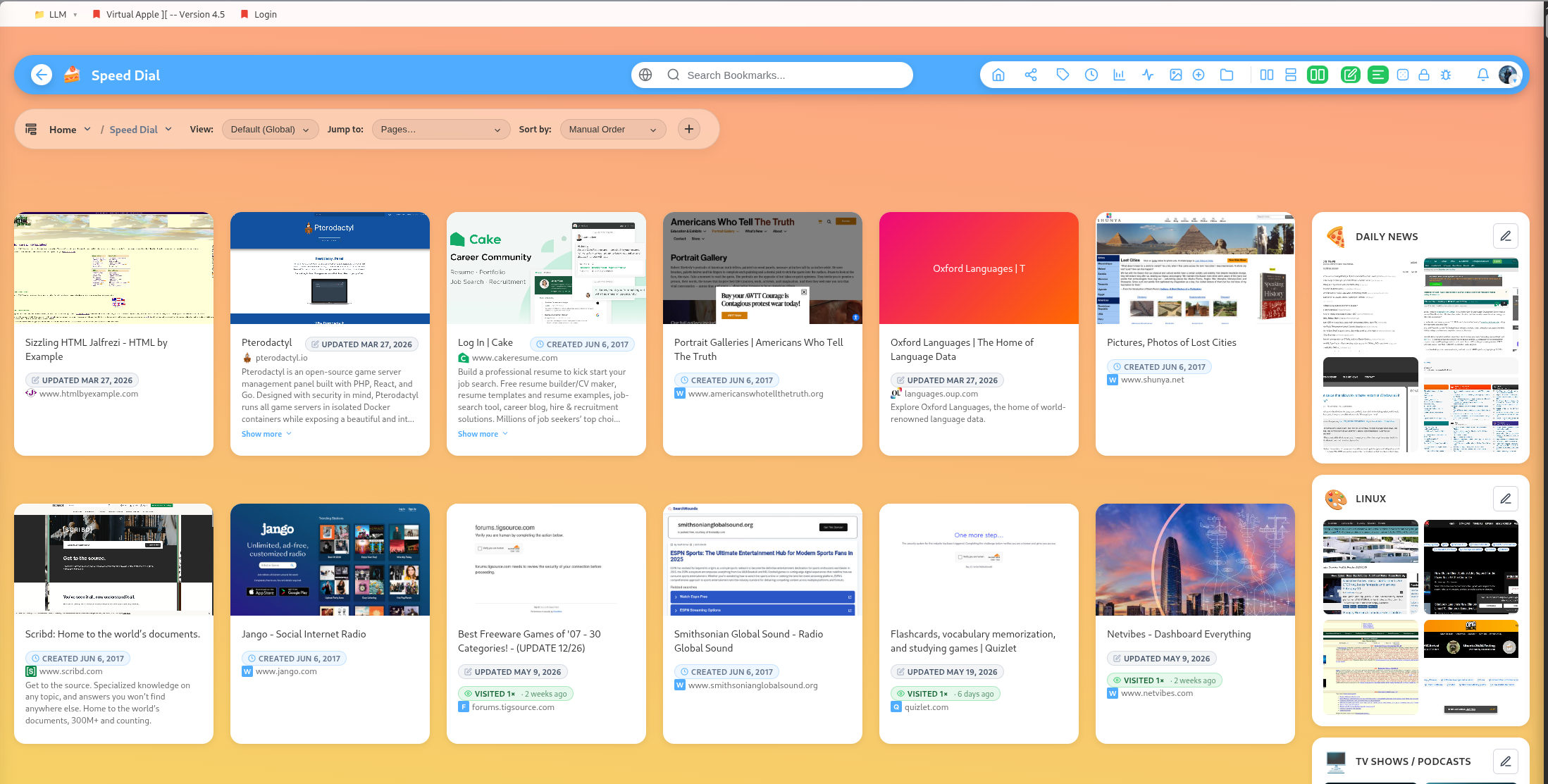
DearBookmark includes maintenance tools for long-lived libraries.
Export
Export bookmarks when you need a portable copy of your data.
Backup and restore
Backup stores the current bookmark and group state. Restore replaces the current library with backup content, so review carefully before restoring.
Trash
Deleted bookmarks and categories can go through trash flows. Trash entries can be restored or permanently destroyed.
Archive instead of delete
Archive items when you may need them later. Delete only when the content is truly no longer useful.
Preview optimization
Admins can optimize bookmark preview images. The optimizer converts PNG screenshots to JPEG, resizes large files, and updates stored thumbnail URLs.
Popular guides:
Introduction
A high-level tour of DearBookmark and the workflows it supports.
Quickstart
The fastest path from a new account to a usable bookmark library.
Import Bookmarks
Bring in browser exports or multiple URLs at once.
Browser Extension
Save pages, previews, and page notes directly from the browser.
Saving Bookmarks
Create bookmarks with metadata, previews, tags, and team destinations.
Reader and Read Later
Read articles in a clean layout and save them for offline access.