
Save
Reader and Read Later
Contact usRead articles in a clean layout and save them for offline access.
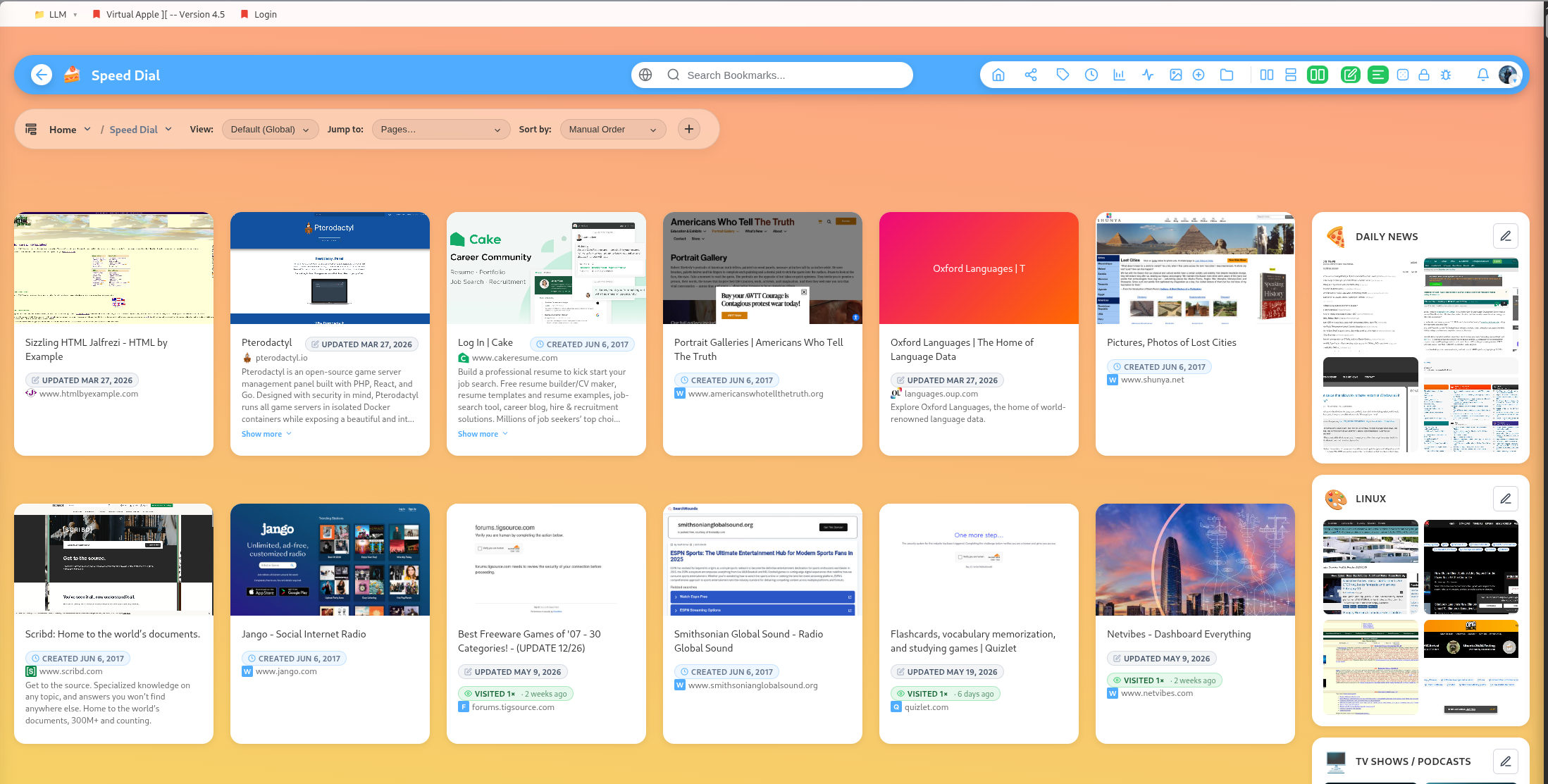
Reader mode turns saved articles into a focused reading surface.
Open reader mode
Use reader mode when the original page is noisy, hard to read, or full of distractions. DearBookmark extracts article content and displays it inside the app.
Reader actions
From reader mode you can:
- Save the article for offline reading.
- Mark the bookmark as read.
- Archive the bookmark.
- Copy article text.
- Expand the reader panel to full width.
Read later
The saved-for-offline area stores articles you want available later. This is useful for travel, unreliable connections, or long-form reading sessions.
Mark as read
Marking a bookmark as read helps separate active reading from completed reading. Use it with archive or tags if you want a simple reading workflow.
Good reading workflow
- Save the article into a topic group.
- Add tags such as
read-later,research, orreference. - Open reader mode when you are ready.
- Save offline if needed.
- Mark as read or archive when finished.
Popular guides:
Introduction
A high-level tour of DearBookmark and the workflows it supports.
Quickstart
The fastest path from a new account to a usable bookmark library.
Import Bookmarks
Bring in browser exports or multiple URLs at once.
Browser Extension
Save pages, previews, and page notes directly from the browser.
Saving Bookmarks
Create bookmarks with metadata, previews, tags, and team destinations.
Reader and Read Later
Read articles in a clean layout and save them for offline access.