
Import Bookmarks
Contact usBring in browser exports or multiple URLs at once.
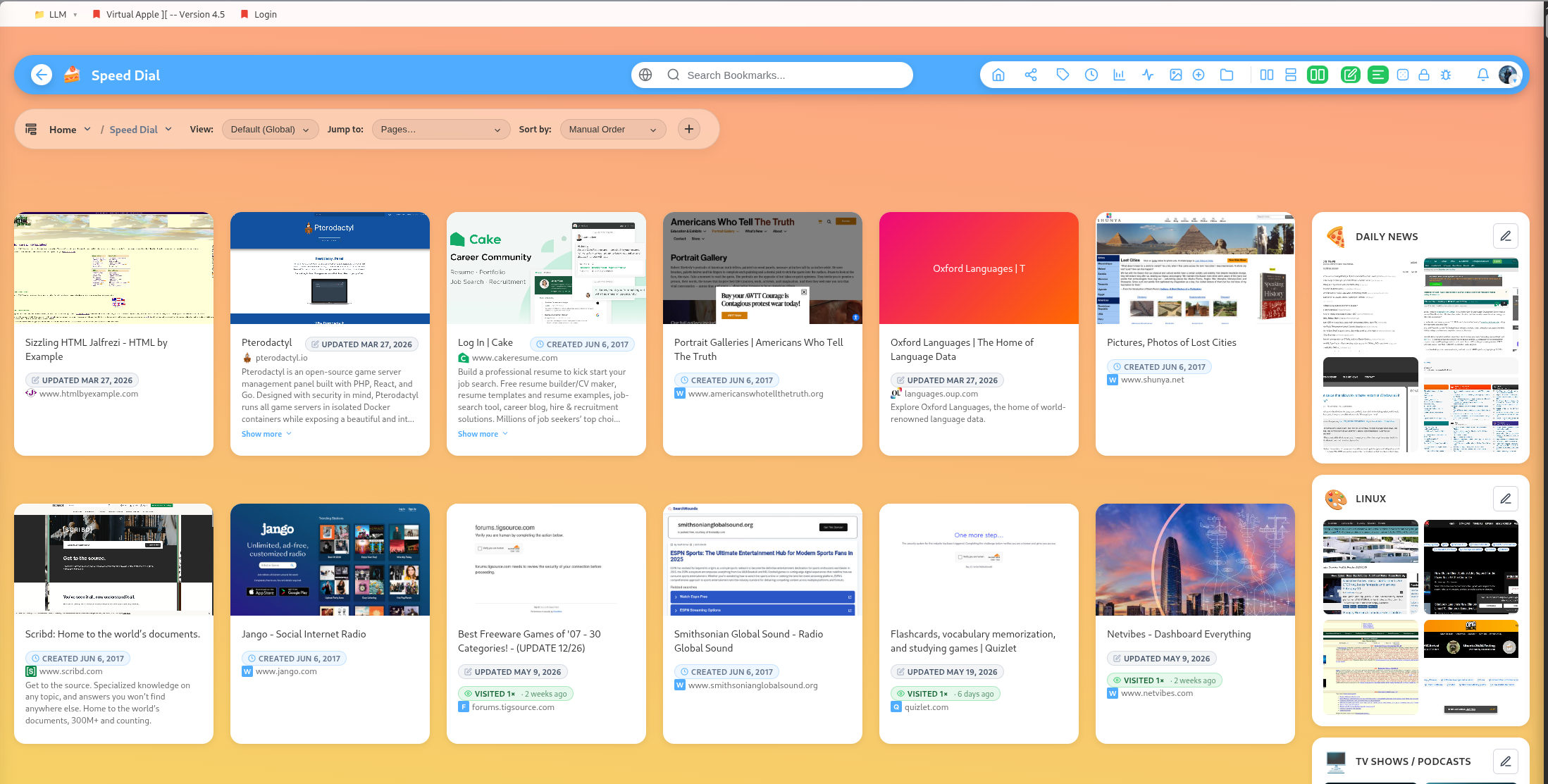
DearBookmark supports importing existing bookmarks so you do not have to rebuild your library by hand.
Browser bookmark imports
Use your browser export file when moving from Chrome, Firefox, Safari, Edge, or another bookmark manager. The importer reads bookmark data and creates DearBookmark groups and bookmarks from the imported structure.
After importing, review the generated groups. Browser exports often contain old folders, duplicates, or bookmark bar leftovers that are easier to clean up after import.
Bulk URL imports
Inside the add modal, use the import URLs tab to paste multiple links at once. This is useful for research dumps, reading lists, or URLs copied out of another tool.
Sync dates from import
If imported data includes useful original dates, DearBookmark includes a sync action for aligning bookmark dates from imported metadata.
Clean up after import
After a large import:
- Run duplicate detection.
- Check broken links.
- Add broad tags to the most important groups.
- Move sensitive folders into locked groups or vaults.
- Archive material you want to preserve but do not want in your active library.