
Teams Overview
Contact usCreate collaborative workspaces for shared links, workflows, chat, and media.
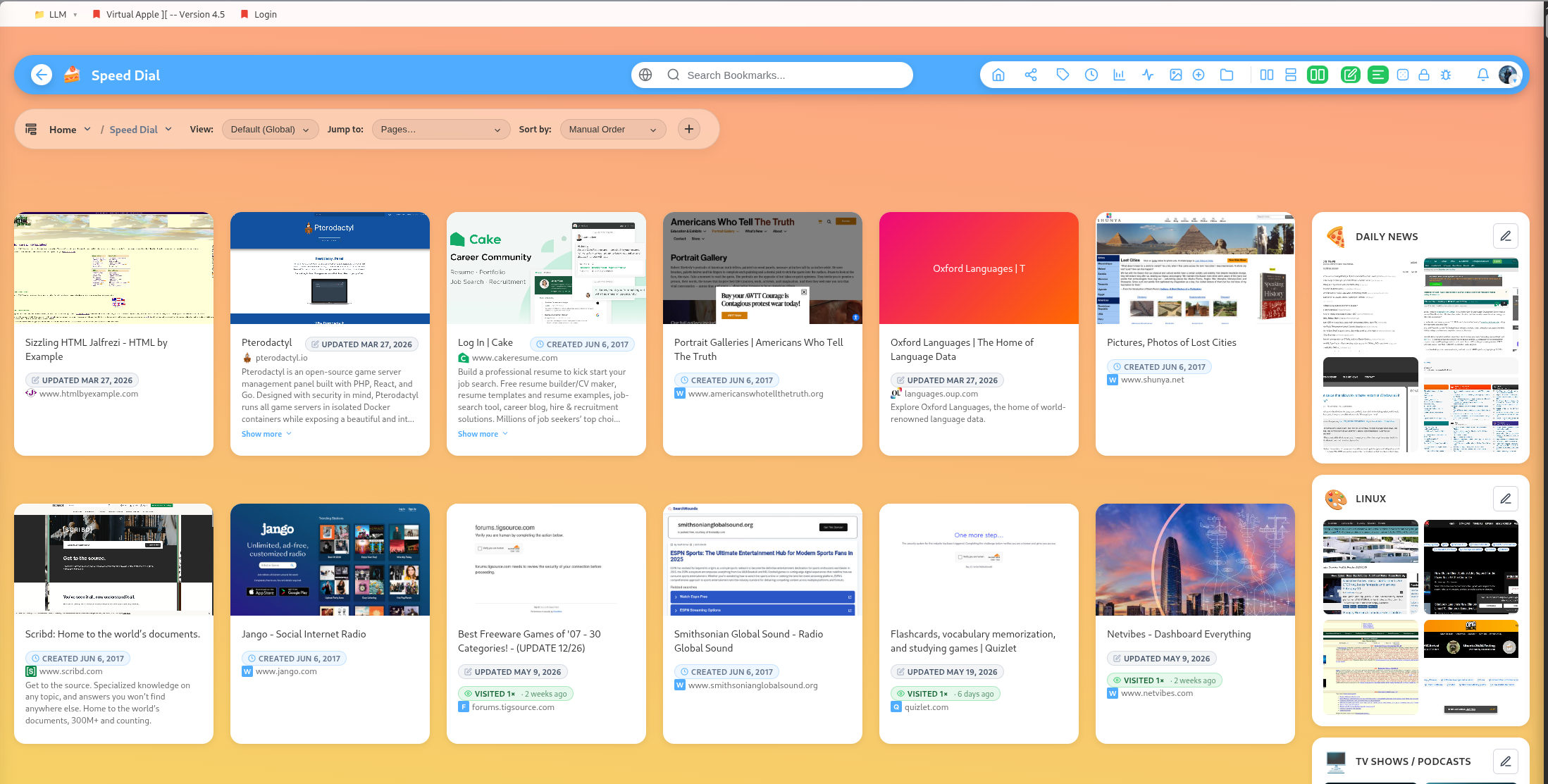
Teams turn DearBookmark from a private library into a shared workspace.
What teams can contain
Teams can include shared bookmarks, shared groups, Kanban columns, movie boards, shopping boards, cronjob ingestion, music playlists, chat, share links, members, join requests, submissions, and mind maps.
Roles
Team roles include owner, admin, editor, and member-oriented workflows. Certain actions, such as live playback control, archive management, and moderation, are limited to owners, admins, or editors.
Public and private teams
Teams can be private or public. Private teams are invite-only. Public teams can be discoverable or shareable, depending on settings and links.
Invite codes and join requests
Teams support invite codes, join-by-invite, join requests, approval, rejection, and member management.
Direct submissions
Editors and members can submit bookmarks into team workflows. Owners and admins can approve or reject submissions.