
Teams
Team Kanban Boards
Contact usMove bookmarks through custom workflow columns with your team.
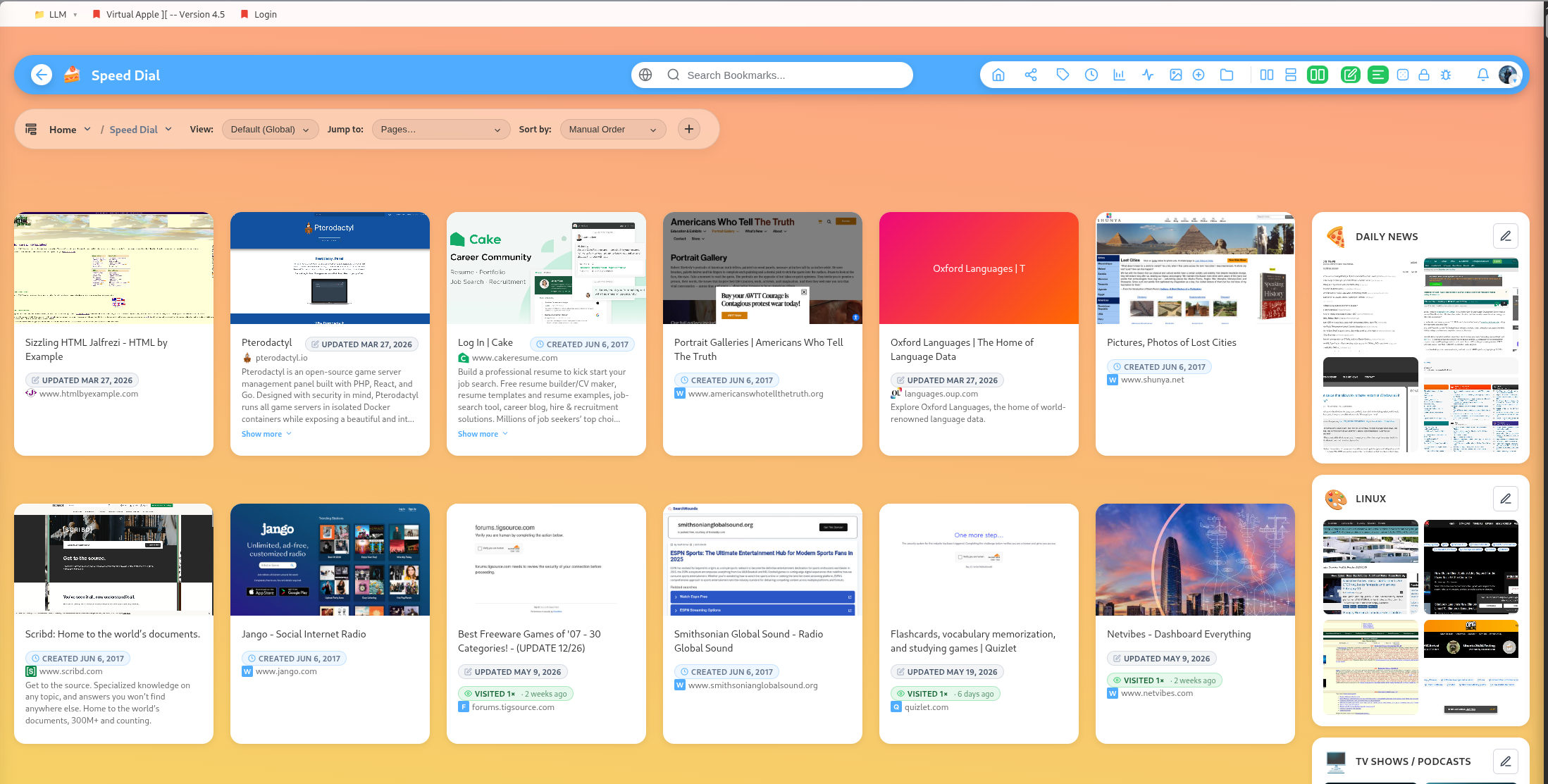
Team Kanban boards help teams review and move bookmarks through a workflow.
Columns
Create custom columns such as Inbox, Review, Approved, Archived, To Watch, To Buy, or Shipped.
Cards
Bookmarks can be placed on Kanban columns as cards. Cards can be updated, moved, reordered, and reviewed by the team.
Good workflows
Use Kanban for:
- Research review
- Product evaluation
- Editorial planning
- Watch lists
- Shopping decisions
- Project resource triage
Moderation
Team role checks protect workflow actions. Owners, admins, and editors can moderate more parts of the workflow than basic participants.
Popular guides:
Introduction
A high-level tour of DearBookmark and the workflows it supports.
Quickstart
The fastest path from a new account to a usable bookmark library.
Import Bookmarks
Bring in browser exports or multiple URLs at once.
Browser Extension
Save pages, previews, and page notes directly from the browser.
Saving Bookmarks
Create bookmarks with metadata, previews, tags, and team destinations.
Reader and Read Later
Read articles in a clean layout and save them for offline access.