
Locked Groups and Vaults
Contact usProtect sensitive collections with edit locks or hidden vaults.
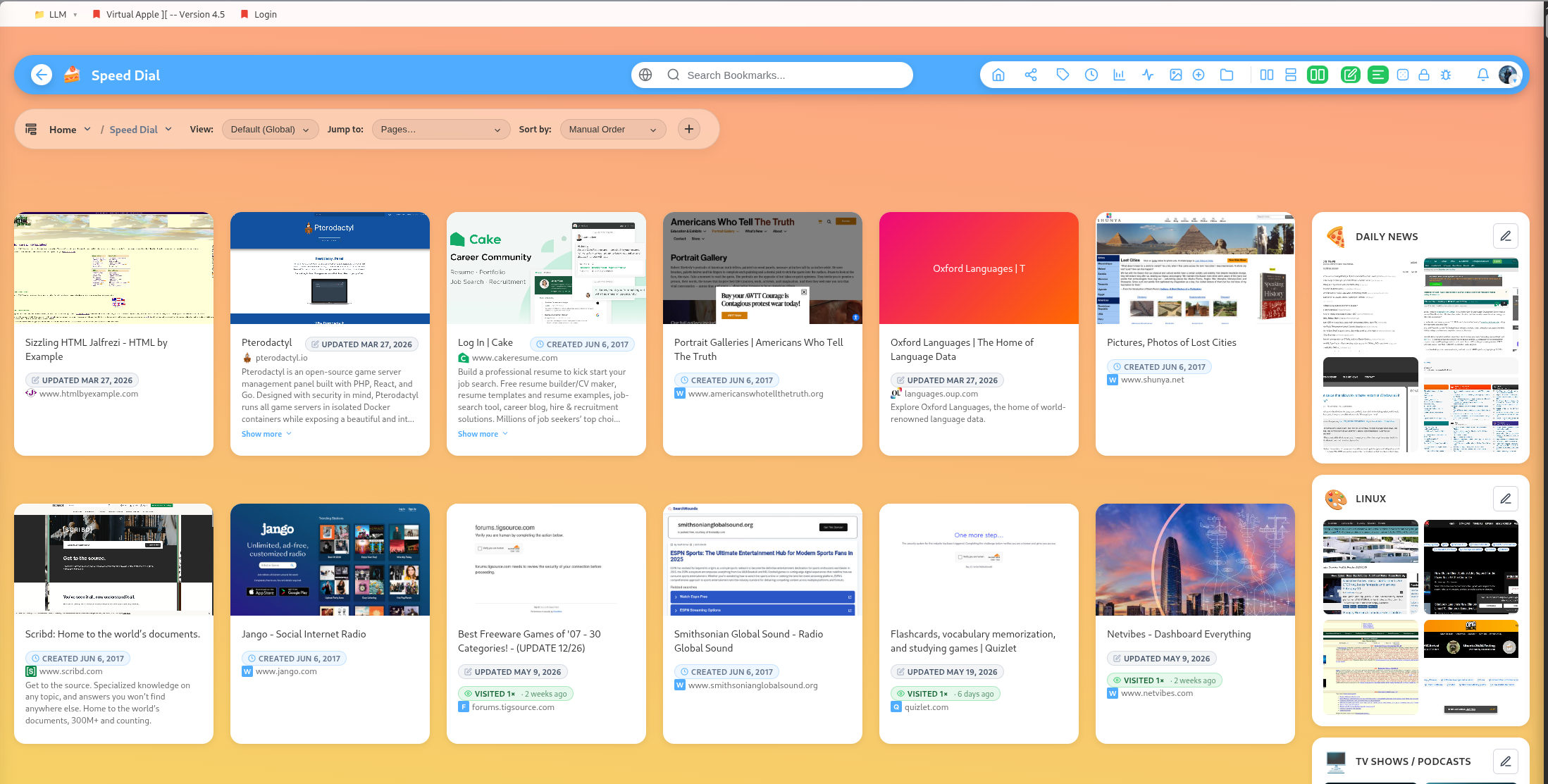
DearBookmark includes two privacy-oriented group patterns: locked groups and vaults.
Locked groups
A locked group can be browsed, but editing actions require the lock password. This helps prevent accidental edits, reordering, deletion, or sharing.
Locked groups are useful for important collections that should stay stable.
Vaults
A vault is stricter. Bookmark titles and links stay hidden until the vault is unlocked. Vaults are intended for sensitive content where even the bookmark list should not be casually visible.
Sharing restrictions
Locked or vault-protected content should not be exposed accidentally. The app blocks sharing and public-profile display for protected branches.
Reveal hidden locked groups
User settings include controls for hiding locked groups and revealing them when needed. This keeps sensitive areas out of the main browsing flow.
Good vault candidates
- Private work resources
- Financial links
- Personal accounts
- Legal or medical research
- Any collection where the title alone may reveal sensitive information