
Quickstart
Contact usThe fastest path from a new account to a usable bookmark library.
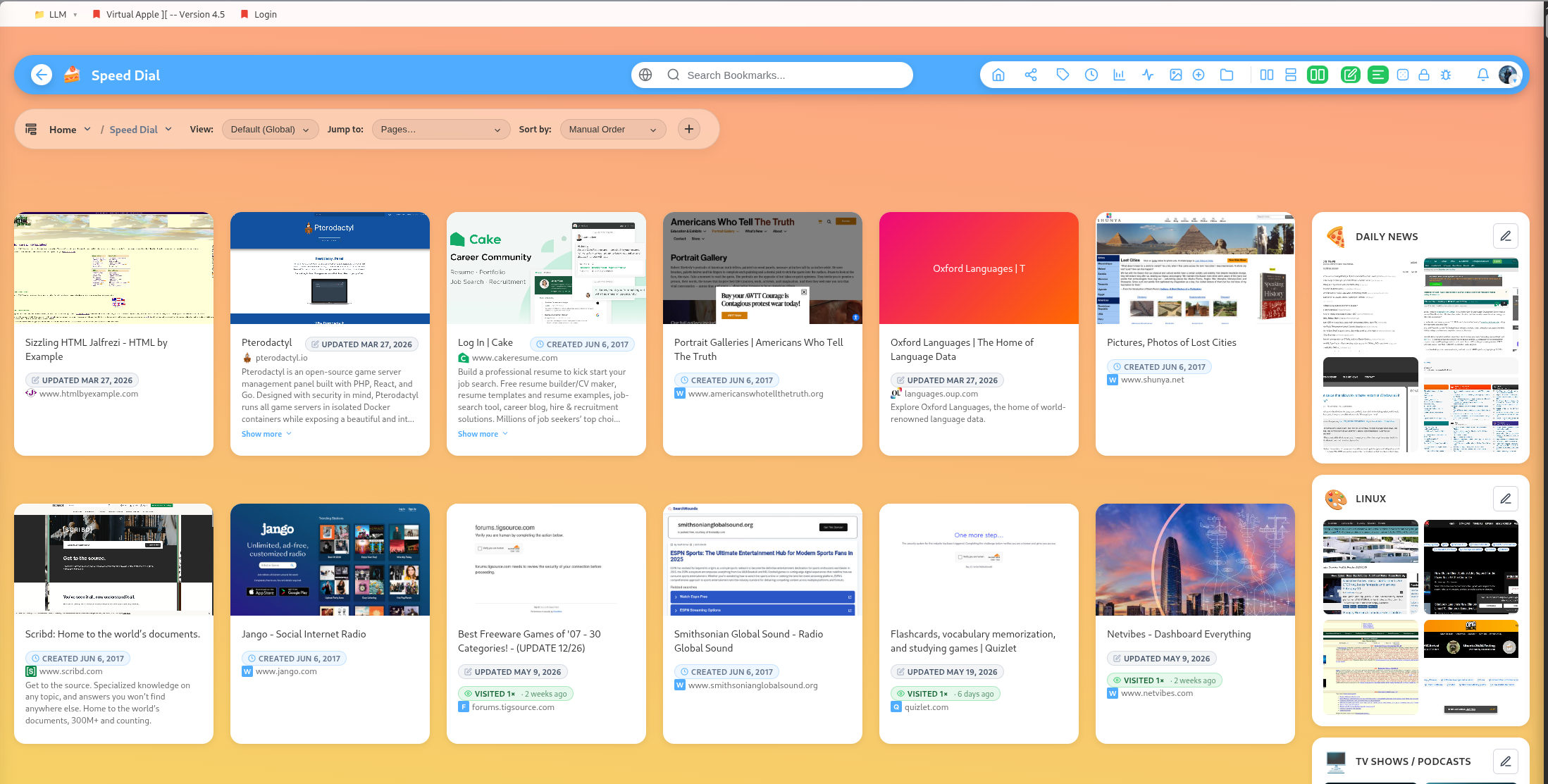
Welcome to getting set up with DearBookmark for the first time.
1. Create your first group
Groups are folders for bookmarks. Start with broad areas such as Work, Reading, Recipes, Design, Research, Shopping, or Movies.
You can nest groups inside other groups when a collection grows large enough to need structure.
2. Save a few bookmarks
Add a bookmark from the main app, from inside a group, or with the browser extension. A saved bookmark can include:
- URL
- Title
- Description
- Tags
- Thumbnail preview
- Favicon
- Notes from the extension
3. Add tags
Tags work across groups. Use them for status, topic, urgency, source, or format. Examples: reference, watch, client, recipe, docs, urgent.
Each tag is separated by a comma.
4. Try reader mode
Open a bookmark in the reader when you want the article without the original page layout. From reader mode, you can save for offline reading, mark as read, archive, copy text, and expand the reader panel.
5. Import your old bookmarks
Use import if you already have bookmarks from a browser export or a bulk URL list. After importing, run duplicate and broken-link checks to clean up the library.
6. Share only what you mean to share
Bookmarks and groups are private by default. You can share an individual bookmark, a group, or expose selected content on your public profile.