
Saving Bookmarks
Contact usCreate bookmarks with metadata, previews, tags, and team destinations.
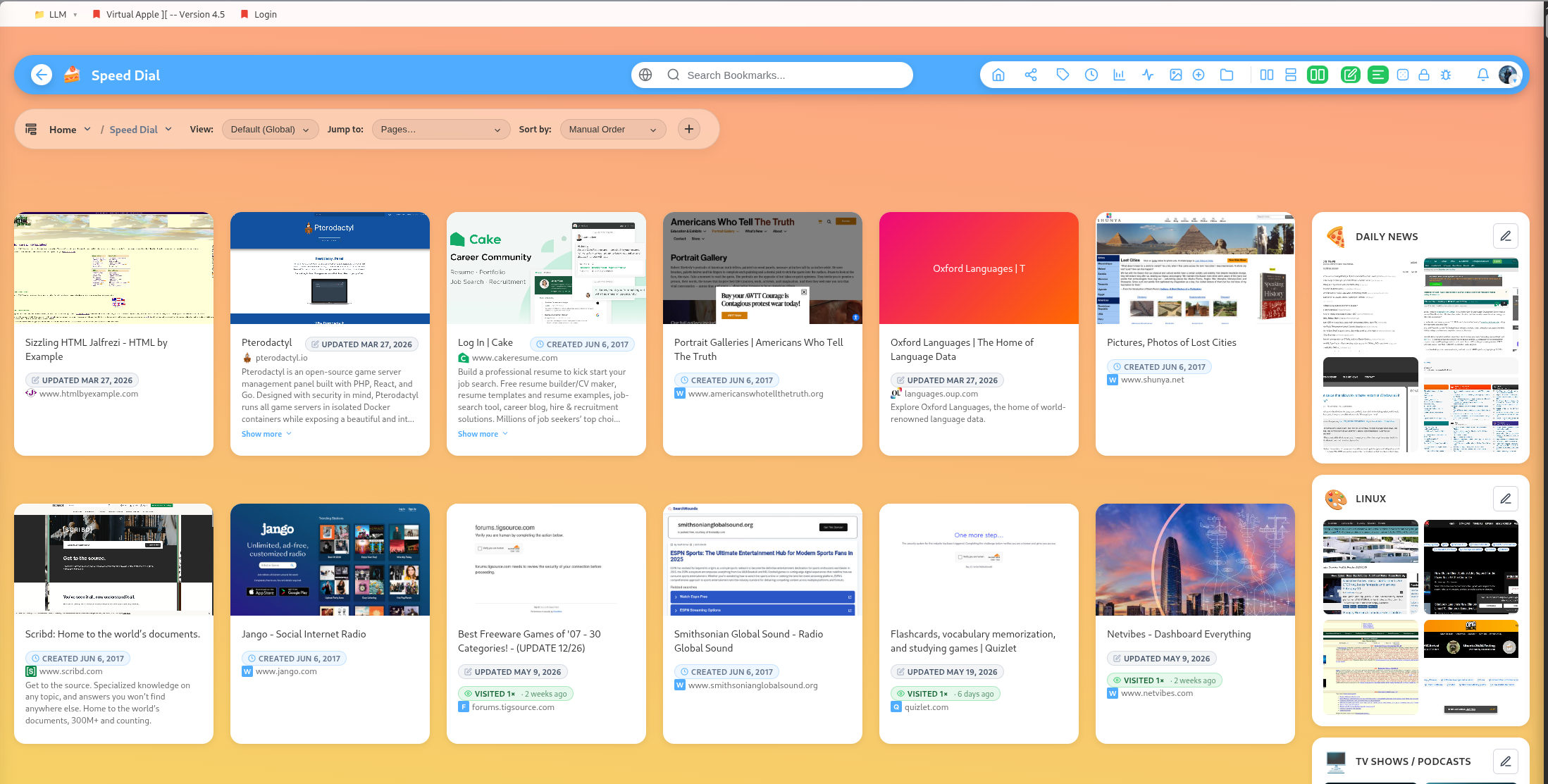
Bookmarks are the core content type in DearBookmark.
Bookmark fields
A bookmark can include a URL, title, description, tags, preview thumbnail, favicon, read state, archive state, favorite state, and team/public-profile sharing state.
Add from a group
When you add a bookmark inside a group, the new bookmark starts in that group. You can later move it to another group or attach it to a team page.
Add to a team
The add form can include a team page destination. This is useful when a bookmark should go straight into a shared workspace instead of staying private first.
Refresh previews and favicons
If a preview image or favicon is missing or outdated, use the refresh actions. DearBookmark can regenerate bookmark previews and download favicons into storage.
Favorites
Mark important bookmarks or groups as favorites for faster access. Favorites are separate from tags, so use them for items that should be easy to reach regardless of topic.
Archive
Archive bookmarks when you want them out of active browsing without deleting them. Archived items can be restored later.