
Account
Settings and Personalization
Contact usTune display, privacy, review behavior, public profile styling, and homepage preferences.
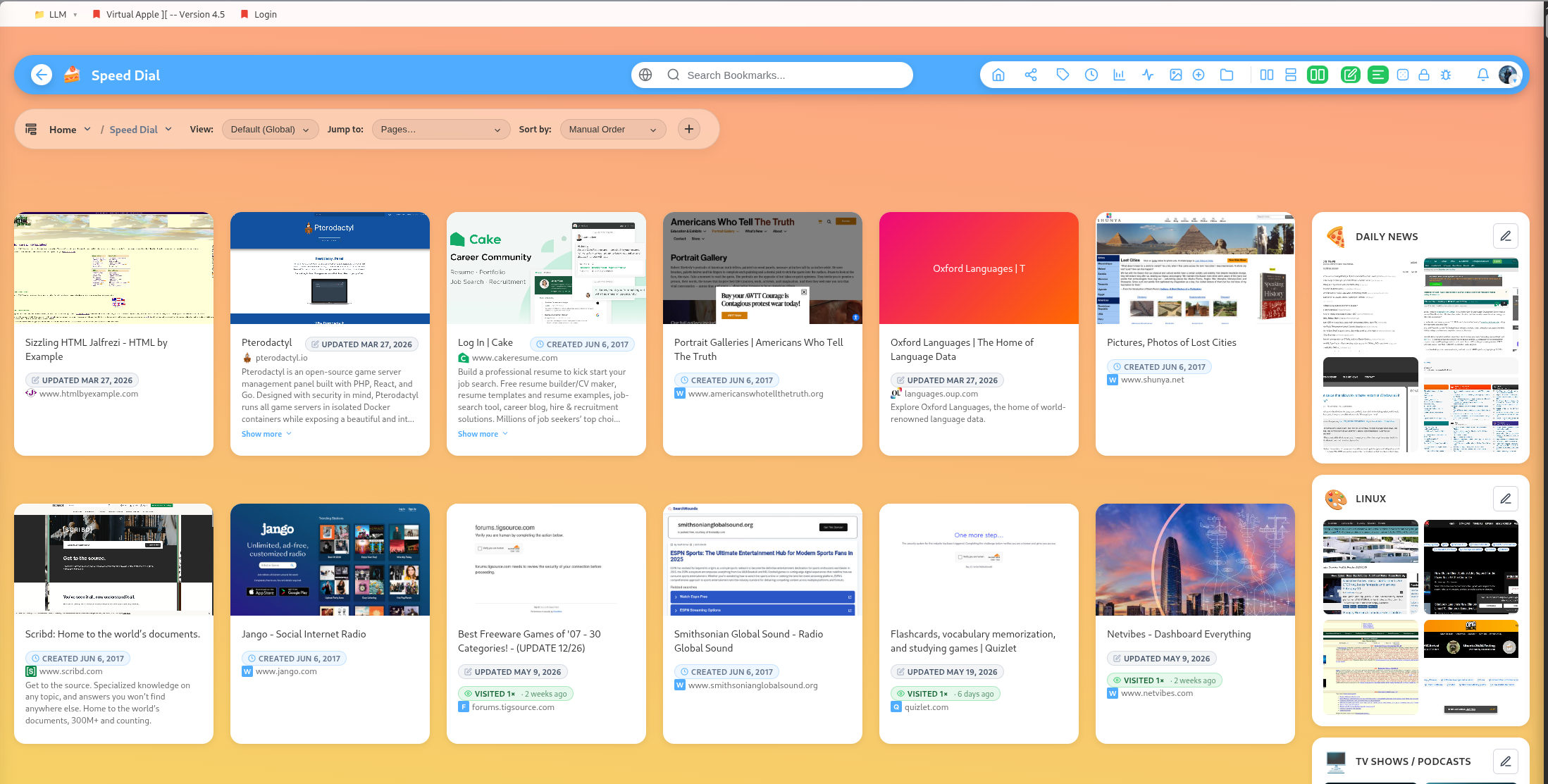
DearBookmark has user settings for how your library behaves and appears.
Display preferences
Settings include display mode preferences for groups, mobile layouts, homepage behavior, review strips, and category mind maps.
Public profile styling
Public profile settings include profile slug, enabled state, bio, gradient colors, body background colors, page options, and profile photo support.
Pinned category
Set a pinned category when one group is your primary workspace.
Locked group visibility
Settings can hide locked groups and control reveal behavior. This is useful for vault-heavy libraries.
Open bookmarks in new tabs
The app includes a preference for opening bookmarks in a new tab, which can make browsing sessions smoother.
Popular guides:
Introduction
A high-level tour of DearBookmark and the workflows it supports.
Quickstart
The fastest path from a new account to a usable bookmark library.
Import Bookmarks
Bring in browser exports or multiple URLs at once.
Browser Extension
Save pages, previews, and page notes directly from the browser.
Saving Bookmarks
Create bookmarks with metadata, previews, tags, and team destinations.
Reader and Read Later
Read articles in a clean layout and save them for offline access.