
Find
Timeline, Graph, and Review Strip
Contact usRediscover saved links by time, relationships, and review prompts.
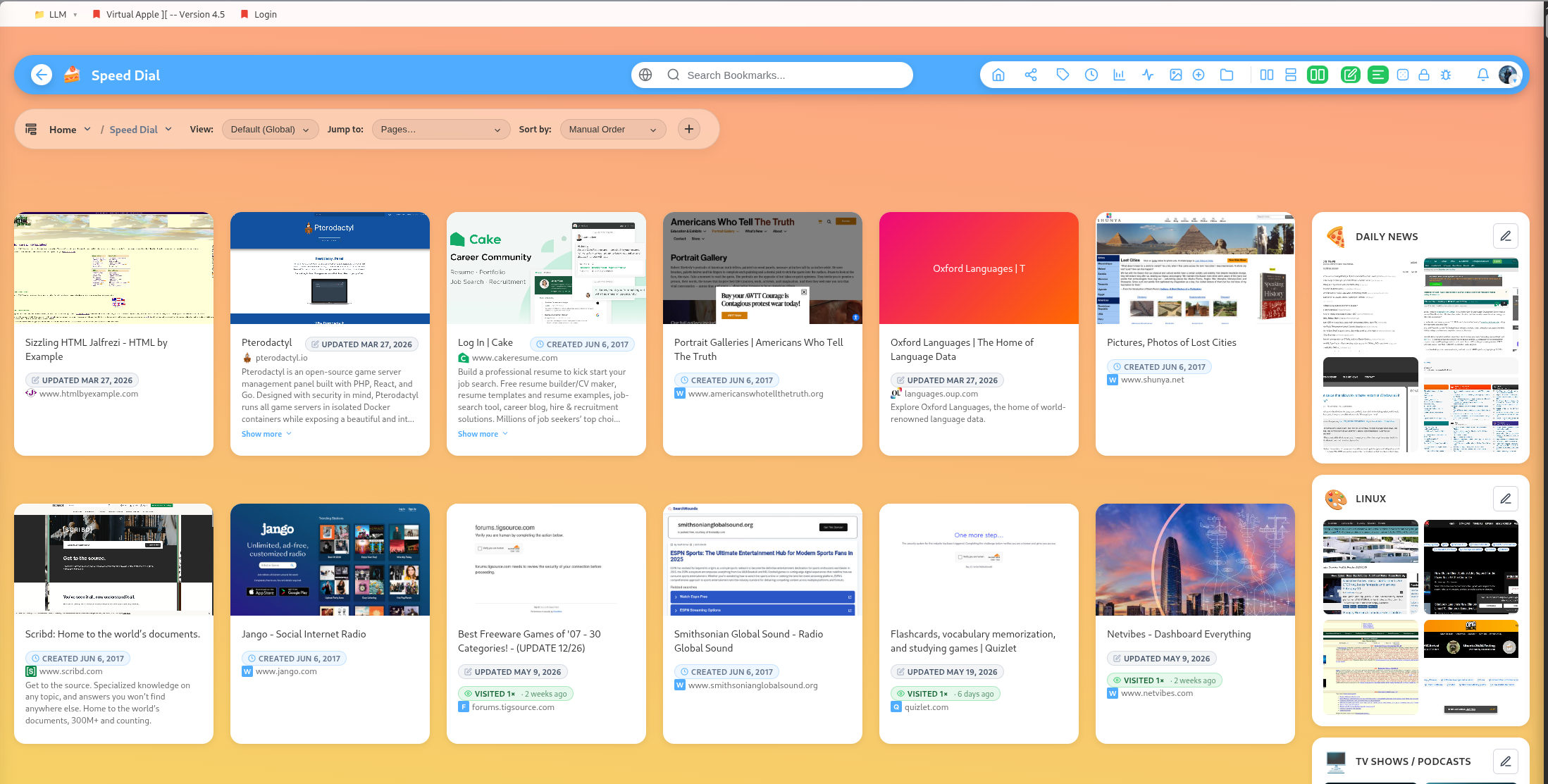
DearBookmark includes several ways to rediscover saved material beyond folder browsing.
Timeline
The timeline view groups bookmarks by date so you can revisit what you saved during a project, week, or research session.
Graph
The graph view helps visualize connections across your library. It is useful when a topic is spread across multiple groups or tags.
Review strip
The review strip surfaces bookmarks for lightweight cleanup and decision-making. You can keep, dismiss, or tune the dismissed period from settings.
Visit tracking
Bookmark visit state routes let the app track when links are opened and batch-check visit status for the interface.
When to use each view
- Use groups for deliberate organization.
- Use tags for cross-cutting themes.
- Use timeline to remember context.
- Use graph to spot relationships.
- Use review strip to keep the library healthy.
Popular guides:
Introduction
A high-level tour of DearBookmark and the workflows it supports.
Quickstart
The fastest path from a new account to a usable bookmark library.
Import Bookmarks
Bring in browser exports or multiple URLs at once.
Browser Extension
Save pages, previews, and page notes directly from the browser.
Saving Bookmarks
Create bookmarks with metadata, previews, tags, and team destinations.
Reader and Read Later
Read articles in a clean layout and save them for offline access.