
Groups and Subgroups
Contact usUse nested groups to turn saved links into a navigable library.
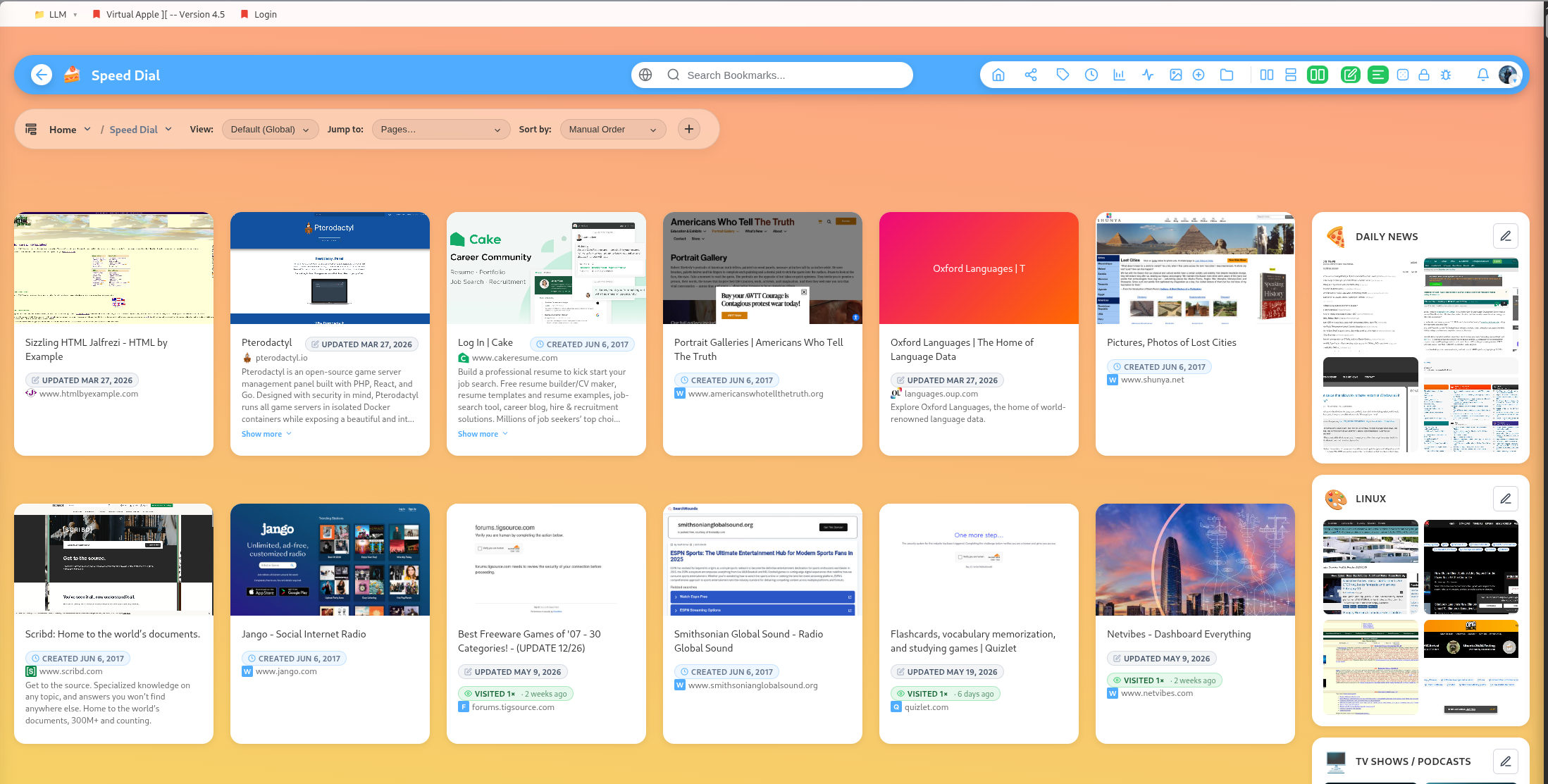
Groups are the main organizing structure for bookmarks.
Nested structure
Groups can contain bookmarks and subgroups. Use nesting when a broad collection becomes hard to scan.
Example:
- Work
- Work / Clients
- Work / Clients / Acme
- Work / Research
- Work / Reading
Display modes
The app includes multiple ways to display groups and subgroups, including compact lists, card-style previews, and specialized modes for certain content types.
Reordering
Groups and bookmarks can be reordered. Use this to keep active projects, favorite collections, or priority reading lists near the top.
Group images and icons
Groups can have icons and uploaded images. Icons help with scanning; images are useful for public profile sections and visually distinct collections.
Group tags
Group tags help filter and classify entire collections. They are separate from bookmark tags.