
Public Profiles
Contact usBuild a public-facing collection from selected bookmarks, groups, and pages.
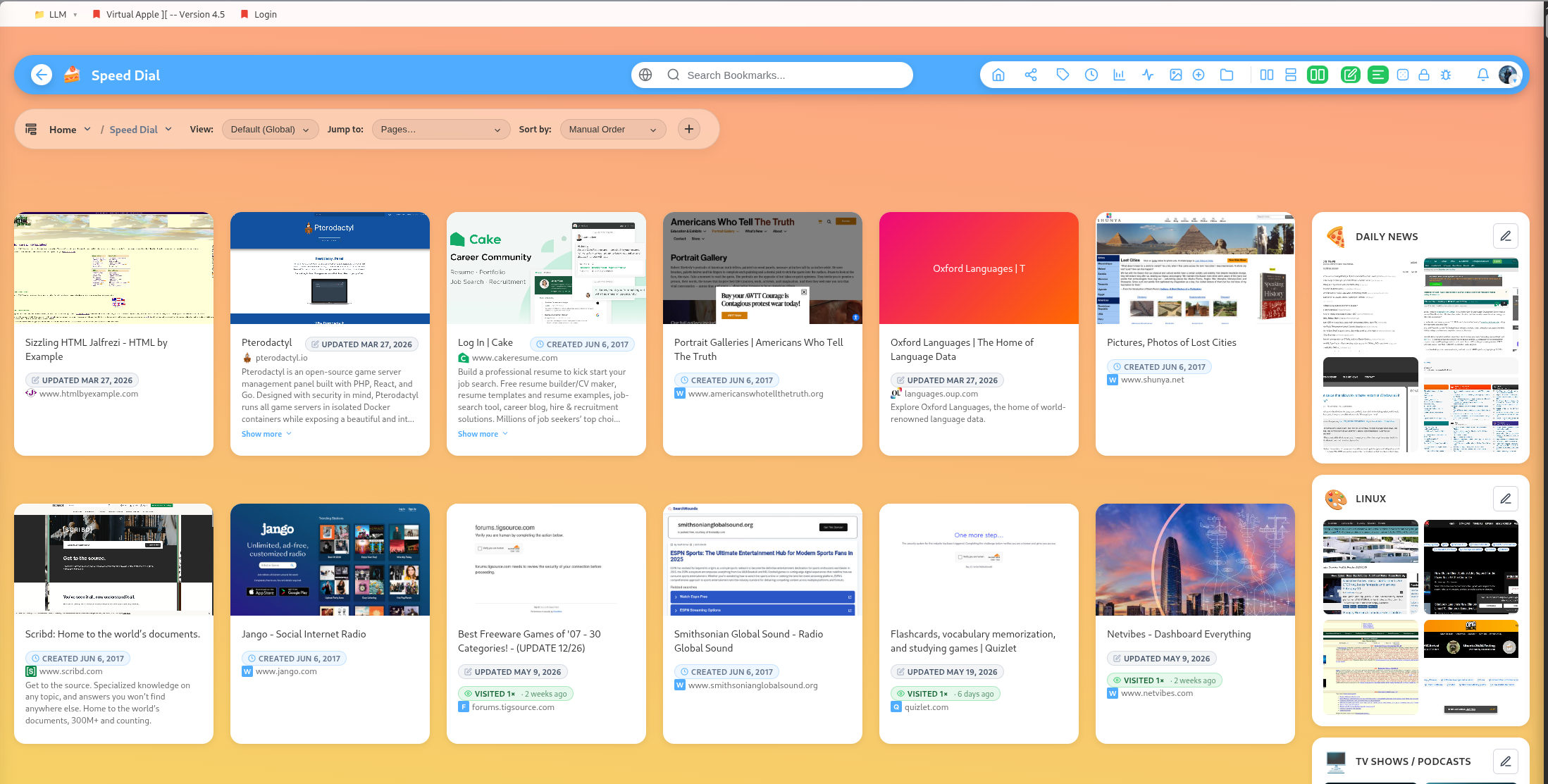
Public profiles let you share selected parts of your library without making everything public.
Enable public profile content
You can toggle individual bookmarks and groups onto your public profile. Public-profile overrides let owners control how items appear publicly.
Profile pages
Profile pages are authored pages that appear on your public profile. They can include title, subtitle, cover image, layout, collaborators, content, and publish scheduling.
Page layouts
Profile pages support multiple layouts, including default article pages, Kanban-style pages, cronjob pages, music playlist pages, and mind maps.
Collaborators
Profile pages can include collaborator user IDs, allowing selected friends to help with page content.
Protected content
Locked and vault-protected groups are kept out of public-profile sharing so sensitive material does not leak through public pages.