
Organize
Tags
Contact usClassify bookmarks and groups with reusable labels and colors.
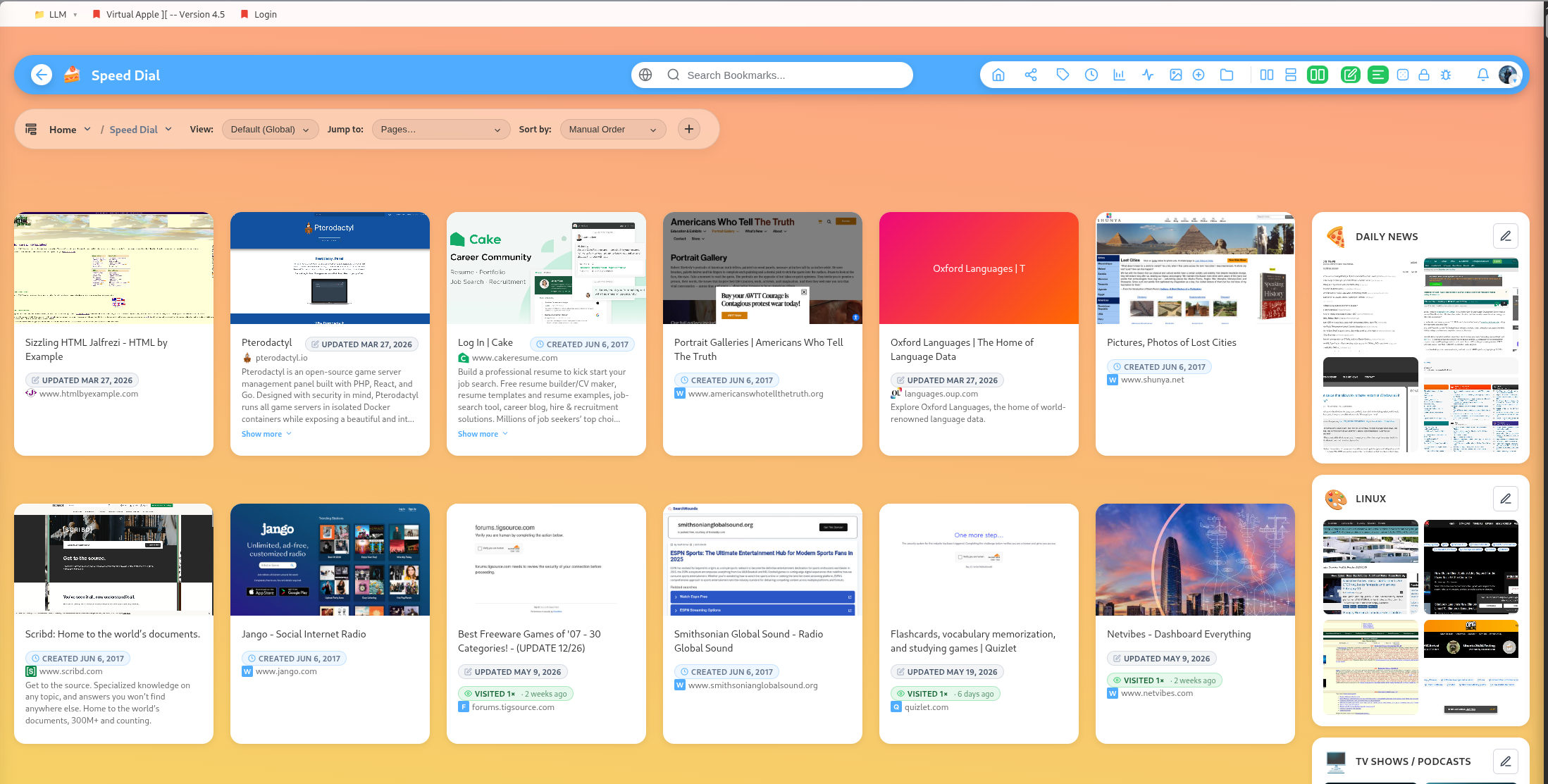
Tags give you flexible organization across groups.
Bookmark tags
Bookmark tags describe individual saved links. Use them for topic, status, format, source, or priority.
Examples:
designdocsclientwatchread-laterrecipereference
Group tags
Groups can also have tags. This is useful when a group belongs to several themes or workflows.
Tag colors
DearBookmark supports tag colors and bulk color updates. Color makes large libraries easier to scan.
Bulk tag actions
The tag management screen supports creating, renaming, recoloring, and deleting tags. Bulk destroy and bulk color update routes are available for larger cleanup sessions.
Suggested tagging strategy
Keep tags short and reusable. Prefer reference over things I may need later, and prefer client plus a group name over dozens of single-use tags.
Popular guides:
Introduction
A high-level tour of DearBookmark and the workflows it supports.
Quickstart
The fastest path from a new account to a usable bookmark library.
Import Bookmarks
Bring in browser exports or multiple URLs at once.
Browser Extension
Save pages, previews, and page notes directly from the browser.
Saving Bookmarks
Create bookmarks with metadata, previews, tags, and team destinations.
Reader and Read Later
Read articles in a clean layout and save them for offline access.