
Teams
Friends, Messages, and Team Chat
Contact usCoordinate with people inside and outside shared workspaces.
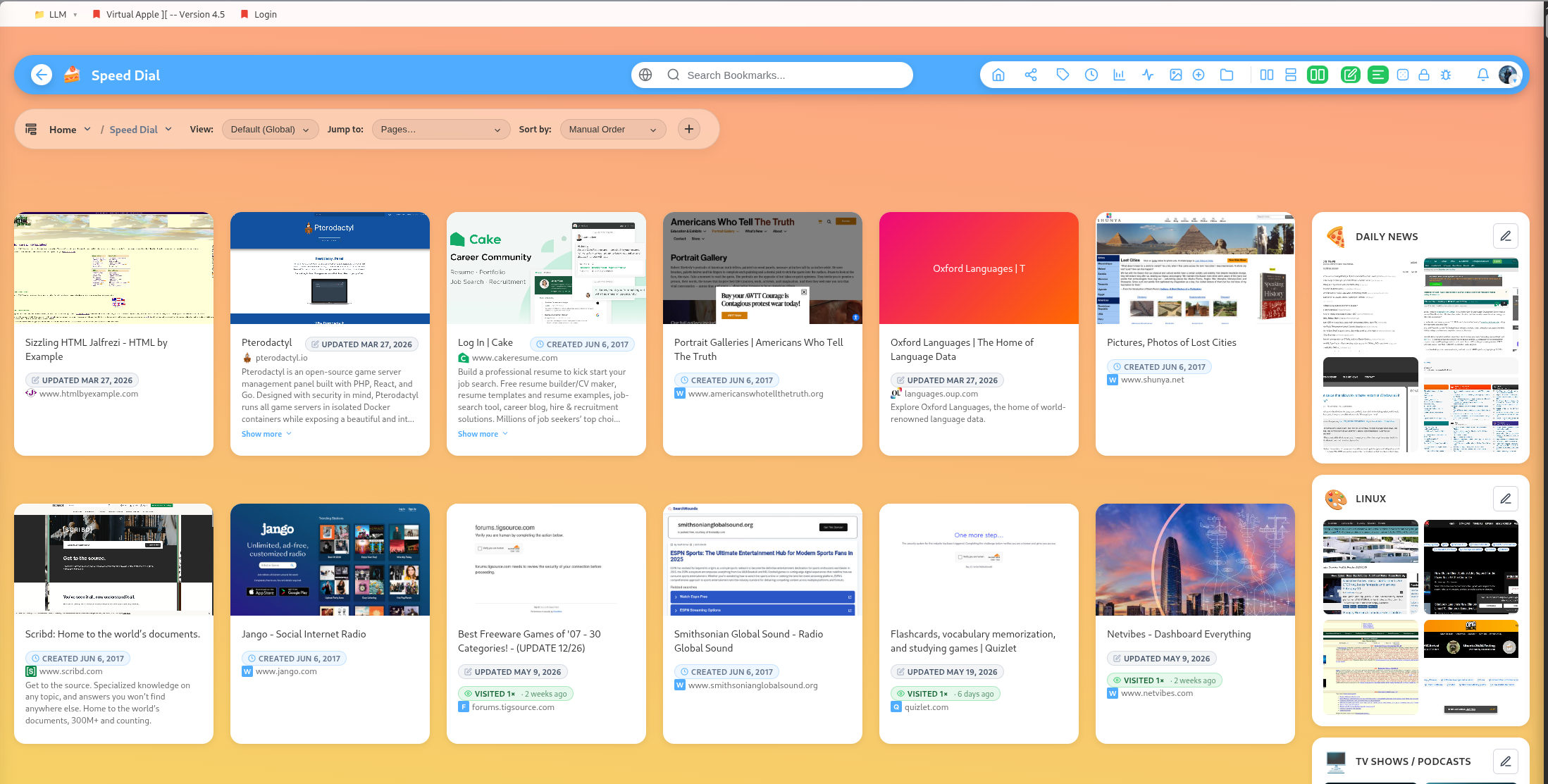
DearBookmark includes people features for collaboration around saved links.
Friends
Users have friend invite codes. You can add friends by code and regenerate your own code when needed.
Direct messages
Bookmarks can be sent directly to friends. The messages inbox supports reading, marking messages as read, and clearing messages.
Team chat
Team workspaces include chat. Public team chat and admin-channel chat are supported, with role checks for protected admin channels.
Chat context
Chat is most useful when it stays close to the saved resource. Discuss the link where the team is already reviewing, voting, or organizing it.
Popular guides:
Introduction
A high-level tour of DearBookmark and the workflows it supports.
Quickstart
The fastest path from a new account to a usable bookmark library.
Import Bookmarks
Bring in browser exports or multiple URLs at once.
Browser Extension
Save pages, previews, and page notes directly from the browser.
Saving Bookmarks
Create bookmarks with metadata, previews, tags, and team destinations.
Reader and Read Later
Read articles in a clean layout and save them for offline access.